Start with the whole flow.
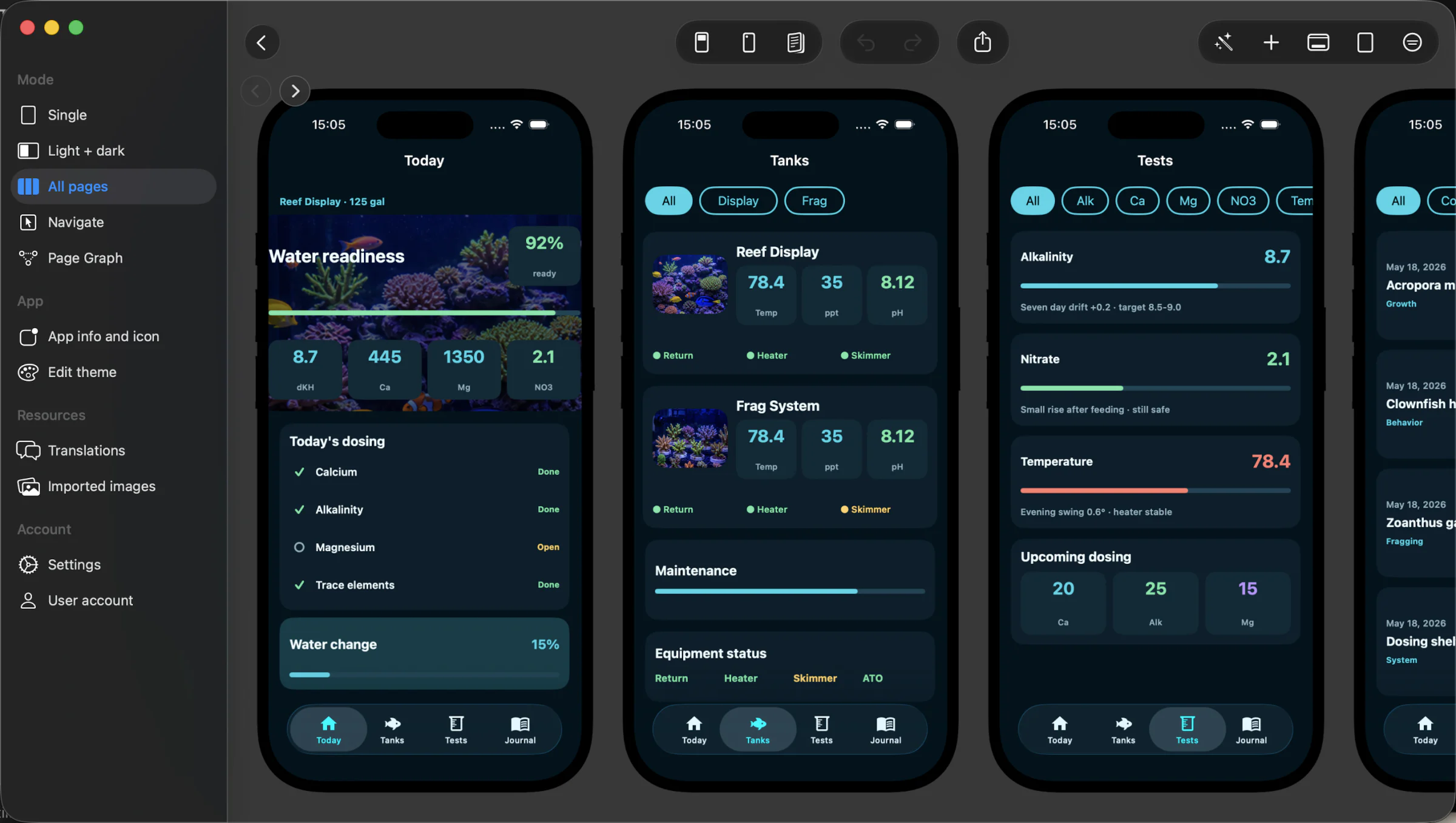
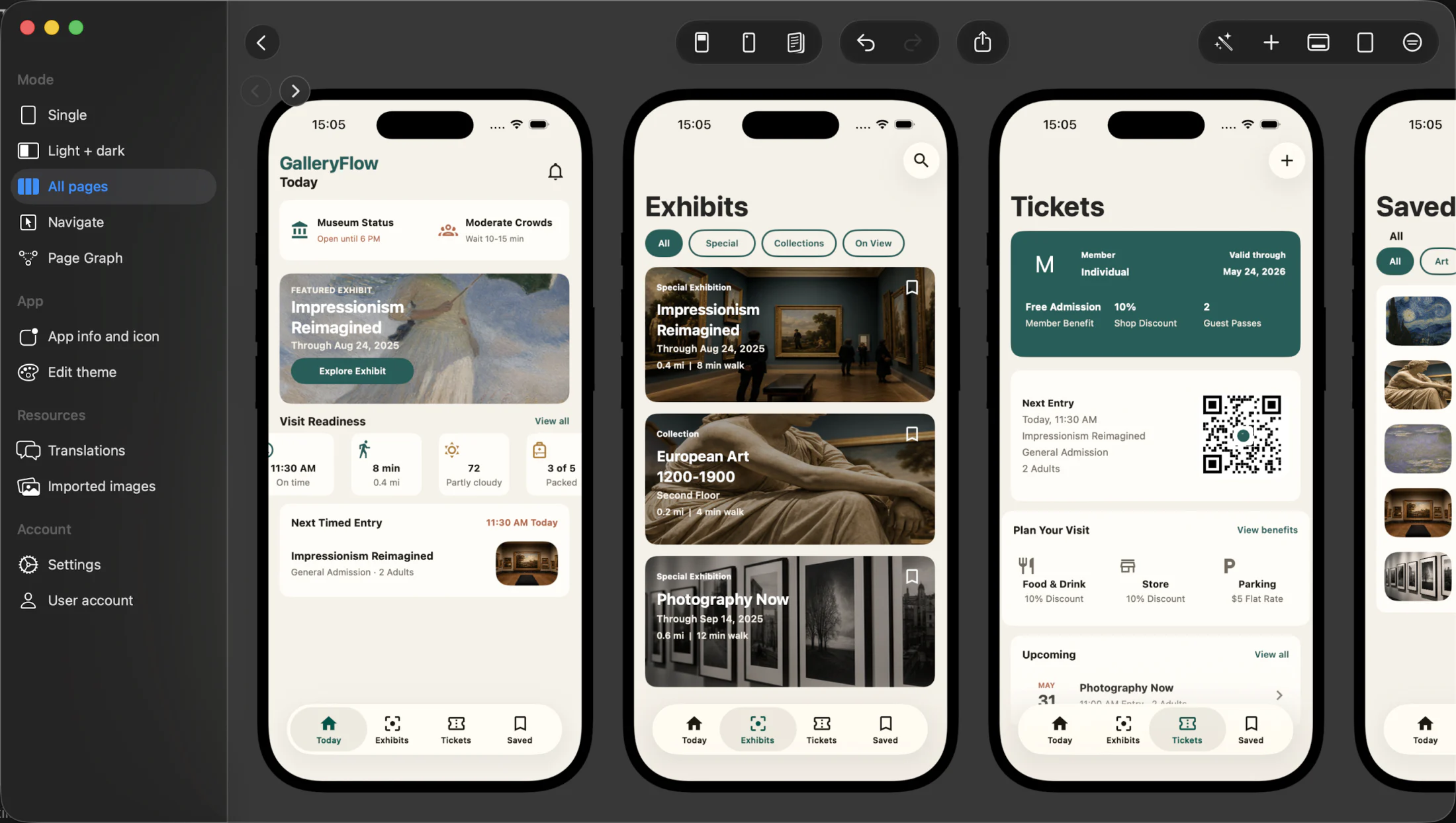
AI generation gives you primary screens, supporting pages and a coherent visual direction you can edit immediately.
 Appmost Design
Pixelmost has a new name: Appmost Design.
Describe the product. Appmost Design lays out the connected native screens, then gives you the visual tools to make every detail yours.
A calm field-service app with jobs, reports and an offline mode.
Connected screens, ready to editStart with a prompt, then work visually. Screens stay connected and structured instead of ending as a disposable image.
Create a connected set of screens from a short product brief.
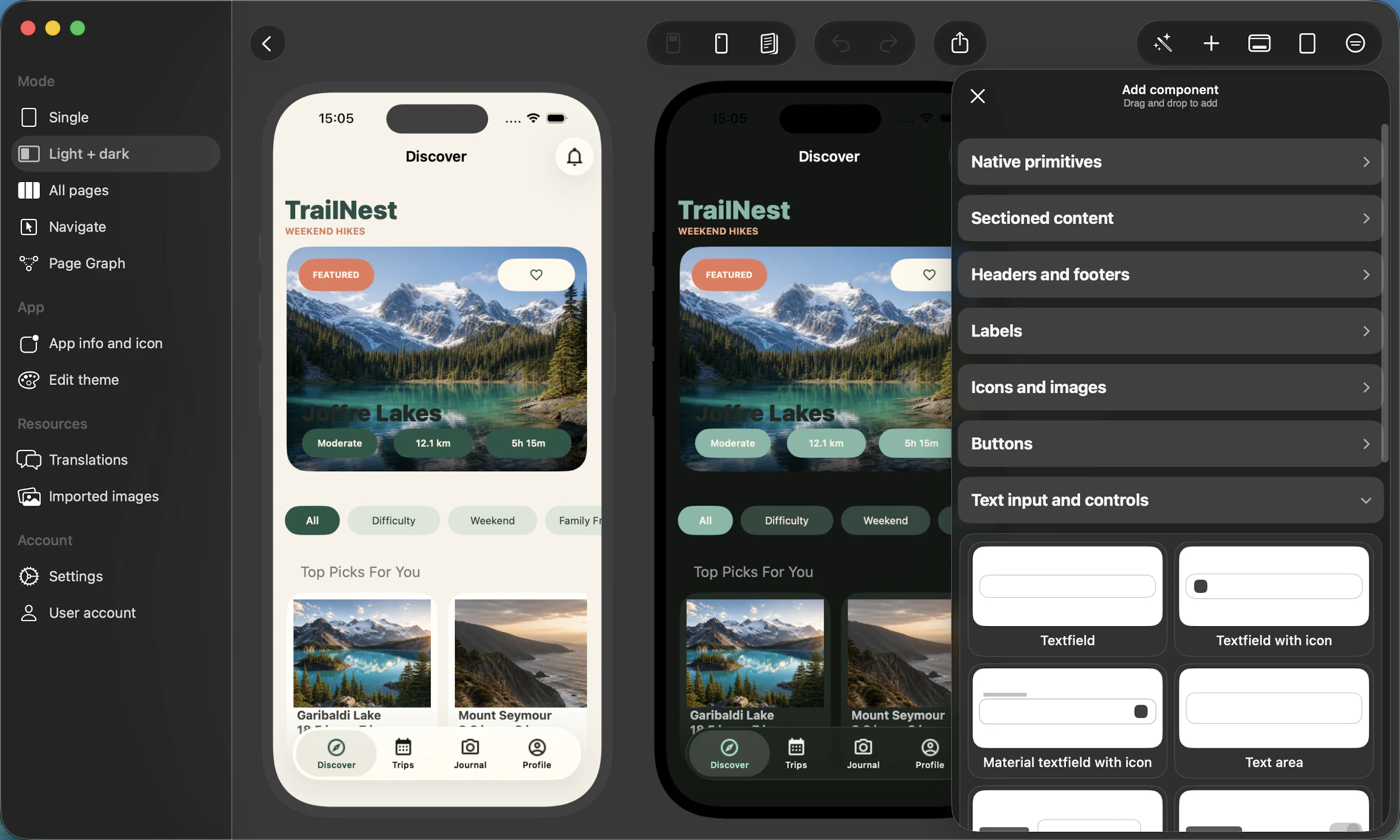
Adjust content, components, colors, navigation and behavior.
Review the flow, export visuals and share a coherent app concept.
AI generation gives you primary screens, supporting pages and a coherent visual direction you can edit immediately.
Compose screens, tune components and prepare presentation layouts without leaving the project.
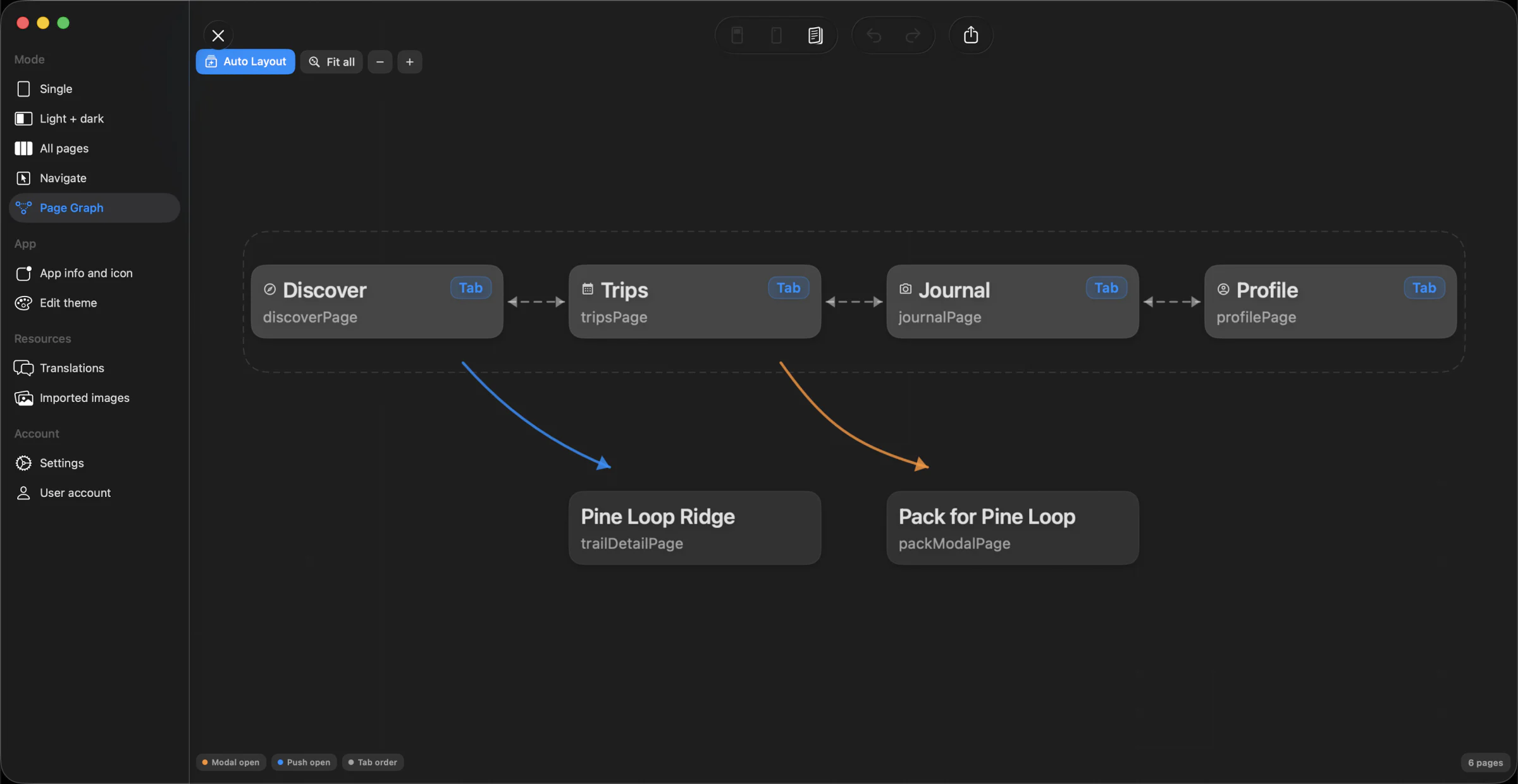
Use Page Graph to inspect tab order, pushed screens and modal routes before you share the app concept.
Sketch on iPhone, spread out on iPad, or use the full workspace on Mac. Projects stay available across your Apple devices with iCloud.
Open App StoreStart while the idea is still fresh, then keep improving it on every Apple device.